Four of a Kind – Azure Certifications for Software Developers

I have finally collected all four Azure credentials that I’ve been seeking. This was my goal for the last 6 months, and I achieved it today 28 November 2025.

Let me tell you a bit on why it was important for me to get certified, and why I selected these four certifications.


An Azure certification is an important tool if you’re a contractor, because it acts as a credential when looking for contracts. For me as a freelance consultant, I don’t have a big firm validating my knowledge, but have to stand completely on my own merit. One way to get someone to vouch for you, is to take an Azure certification. That way, Microsoft vouch that I know these topics that I’m certified on.

If you’re not freelance like me, it can still be helpful to take a certification, to increase your value within the company. These certifications are counted towards the company’s Microsoft partner level, which comes with benefits. The certificates are also personal, so if you plan on looking for a new job, they are a merit in your job search and might land you a better offer.

I’ve chosen to take the following certificates

I will give you my view on why these certificates are the most important for a software developer on the Microsoft stack.

Azure Administrator Associate

As a software developer this is a really cool certification as it helps you learn the things that you don’t come in contact with very often, like setting up an Azure subscription from scratch, Azure networking and how to secure your solution in Azure.

Even if this certificate is more directed at IT Operations, it’s knowledge that’s also very useful to know as a software developer.

Azure Developer Associate

This certification is a must have if you’re writing software that is run on Azure. It helps you understand how to write cloud native solutions, by utilizing the features that are provided in Azure. I have so many times seen developers reinventing the wheel, when there’s already a native Azure solution for the same problem.

This certification will help you learn about all those features, so you don’t have to implement them yourself.

Azure Solutions Architect Expert

If you are going to be consulting on Azure, you need to get this certification. It will help you get a grip on all the service offerings on Azure. You will get the birds eye view on governance, security and how Microsoft intends Azure to be used in an enterprise setting.

After completing this certification you will see Azure as a set of puzzle pieces and know how to fit them together into a working system.

DevOps Engineer Expert

This last certification, that I completed today, teaches you how to deliver software in a cloud environment. How can you shorten the cycle time, and at the same time increase quality and security in your software delivery pipeline.


Once you have these four certifications, you have a pretty good grip on how to develop, deliver and host software in a Microsoft setting.

This article was written without AI.

Project Conventions are Crucial

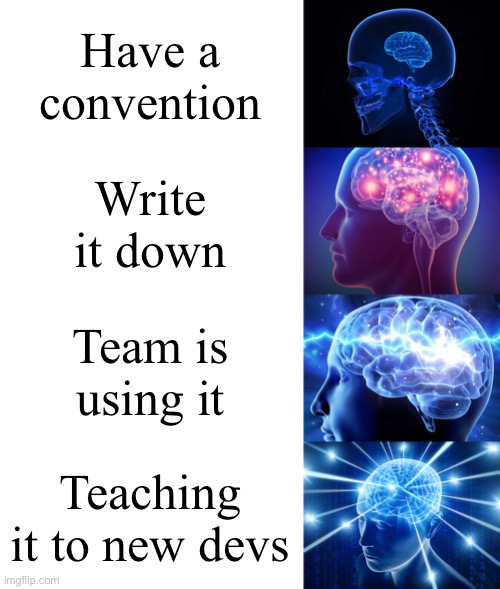
In my previous blog post I wrote about the importance of having a convention for grouping and naming resources in Azure. In this article I will explain how to setup conventions for your project. Writing a convention is easy. Making sure it is followed is much harder.

Purpose of Conventions

We write conventions for our projects of the following two reasons

  1. If everyone do things their own way we’ll have a mess. Messes are hard to maintain.
  2. Jotting it down saves a lot of time when we introduce new developers to the team.

Don’t write a lot of conventions up front, but also don’t wait until the absence of conventions turn into a mess.

The Art of Writing Conventions

Writing conventions is the easy part. Here is a sample of how I do it.

My convention or naming resources on Azure.

Don’t feel obliged to add all the bells and whistles if you don’t need them. Here is what I do

  • Versioning, makes governance much easier. A simple document version table at the top will do.
  • Each statement is short and precise. Don’t give room for interpretations.
  • I use RFC2119 to make it clear what’s a rule (MUST), an injunction (SHOULD) or a suggestion (MAY).
  • One statement per line makes it easier to skim through.
  • Numbering each statement will make it easier to reference individual statements. Anchor links are nice.
  • Link to external resources for further reading.
  • You don’t need to justify a statement. Leave it for team discussion.

Keeping it Alive

Conventions that aren’t followed are useless.

Include project conventions in your peer review process.

Take 15 minutes each week (after daily on Fridays) with the team to discuss each convention. Update the convention during the meeting. This will make the whole team aware of the convention and the conventions will be kept updated. If you have 26 conventions you will go through them all every 6 months.

I find these sessions very valuable for the team, and if you replace people often in your team they are a necessity.

Moving on From Here

I’ve posted my conventions from Bring Order to your Azure Account publicly with Creative Commons license. Go ahead and steal those conventions for your own project wiki and update them to fit your team.